Search

OneConfig

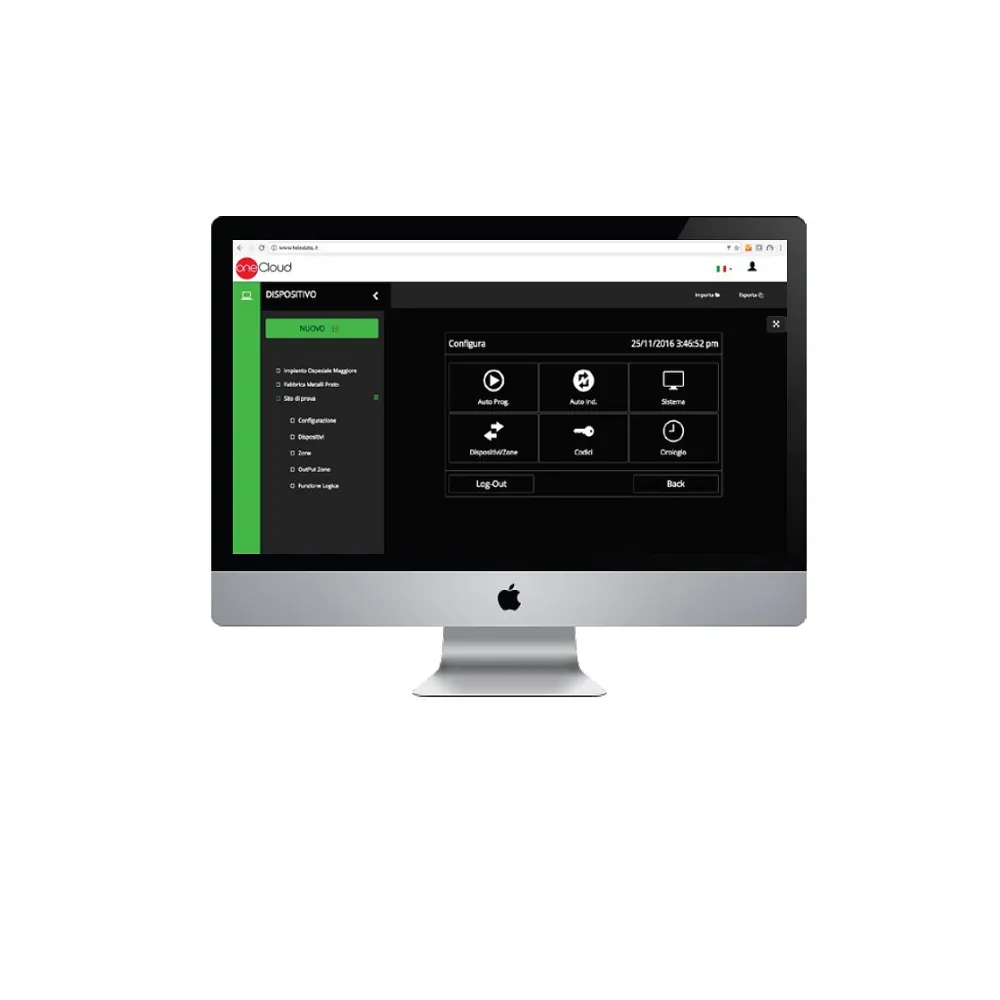
Programming of ONE panels: OneConfig Cloud and OneConfig Offline

OneConfig is the Teledata tool for programming the ONE panels. It is available in two versions:

  • OneConfig Cloud: cloud-based programming, from a web browser. The installer programs the panel remotely, saving time and visits to site.
  • OneConfig Offline: the offline version (without a connection to the cloud).

The panels can also be programmed by USB import and directly from the touch screen. Benefits of OneConfig:
• the same simple graphical interface across the whole Teledata panel range (there is no need to learn two different programming tools)
• full backup of your customers’ programming
• live remote support on the programming that will be installed on site (with the customer’s consent)
Everything free of charge!


Sign in to OneConfig Cloud, then click the nine-squares icon at the top right and choose “Software” to download the offline application.

Download

Documentation available on request: contact us.

Message sent

Thank you for contacting us.
We have received your request and will get back to you shortly.

2022

Special Solution

Coming Soon!

OneLive
Icon - TeledataOne

OneLive

WinWatch
Icon - TeledataOne

WinWatch

SCADA
Icon - TeledataOne

SCADA

TeledataOne

TeledataOne

TeledataOne

TeledataOne

TeledataOne

TeledataOne

TeledataOne

TeledataOne

TeledataOne

TeledataOne

TeledataOne
Icon - TeledataOne

TeledataOne

OneMini
Icon - TeledataOne

OneMini

OneMiniLight
One Mini Light Icon - TeledataOne

OneMiniLight

OneMini2
One MIni Icon - TeledataOne

OneMini2

OneNext
Icon - TeledataOne

OneNext

Compare
Icon - TeledataOne

Compare

OneKbd
Icon - TeledataOne

OneKbd

Accessories
Icon - TeledataOne

Accessories

OneCallPoint
Icon-TeledataOne

OneCallPoint

Sound100
SoundSiren Icon - TeledataOne

Sound100

Sound101
Icon - TeledataOne

Sound101

Sound110
Icon - TeledataOne

Sound110

ONEBASES
Onebases - TeledataOne

ONEBASES

ONEBASESLPG
Icon - TeledataOne

ONEBASESLPG

OneDetector
One Detector - TeledataOne

OneDetector

OneDetector1
One Detector - TeledataOne

OneDetector1

OneDetector2
One Detector - TeledataOne

OneDetector2

TeledataOne
Icon - TeledataOne

TeledataOne

OneMini
Icon - TeledataOne

OneMini

OneMiniLight
One Mini Light Icon - TeledataOne

OneMiniLight

OneMini2
One MIni Icon - TeledataOne

OneMini2

OneNext
Icon - TeledataOne

OneNext

Compare
Icon - TeledataOne

Compare

OneKbd
Icon - TeledataOne

OneKbd

Accessories
Icon - TeledataOne

Accessories